How to Deposit on Vegas Queens Using Maya (PayMaya)
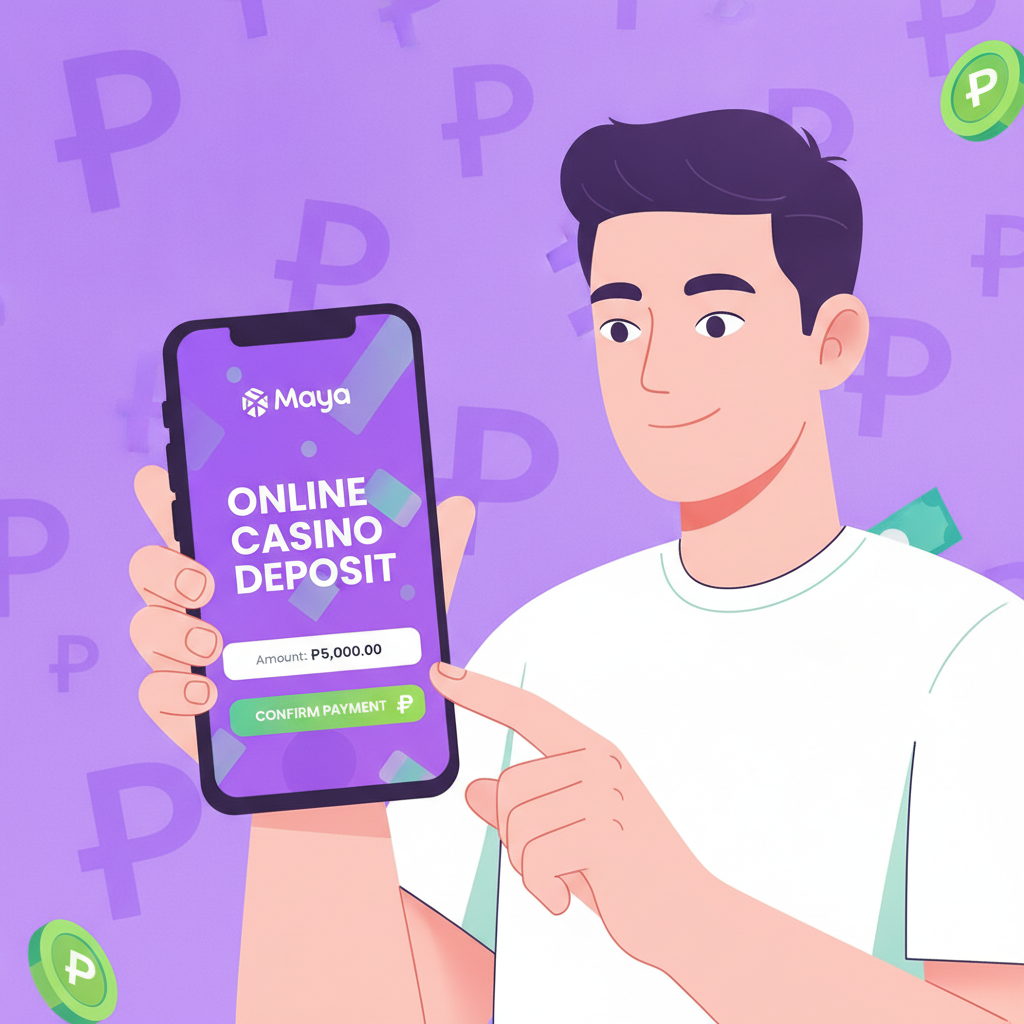
Selecting Maya as Your Deposit Method in Vegas Queens Cashier
Maya (formerly PayMaya) is one of the most popular e-wallet options for Filipino players who want to deposit on Vegas Queens. The process is straightforward, especially if you already use Maya for other online payments or bills.
Before you start, make sure you have the Maya app installed on your Android phone and that your account is verified. Your Maya wallet should also have enough balance to cover your planned deposit. Vegas Queens accepts deposits starting from PHP 100, which fits the typical budget for most Filipino players.
To begin, open Vegas Queens on your mobile browser and log in using your Vegas Queens login credentials. Once you're logged in, look for the "Deposit" or "Cashier" button—this is usually found in the top menu or your account dashboard. Tap it to open the deposit page.
On the deposit page, you'll see a list of available payment methods. Scroll through until you find Maya or PayMaya (Vegas Queens may list it under either name). Tap on Maya to select it as your deposit method. The screen will refresh to show fields specific to Maya deposits.
At this point, the Vegas Queens cashier screen will display minimum and maximum deposit limits for Maya. The minimum is typically PHP 100, while the maximum can vary depending on your account status and verification level. Make a note of these limits before proceeding.
Entering Deposit Amount in Pesos and Confirming the Transaction
Once Maya is selected, you'll see a box asking you to enter the amount you want to deposit. Type in your desired amount in Philippine pesos. If this is your first deposit on Vegas Queens, starting with PHP 100 to PHP 500 is common practice—it lets you test the platform without committing a large sum.
Make sure the amount you enter falls within the displayed minimum and maximum limits. If you type an amount below PHP 100 or above the maximum, Vegas Queens will show an error message and you'll need to adjust it.
After entering the amount, double-check the number to avoid mistakes. A misplaced zero can mean depositing PHP 1,000 instead of PHP 100. Once you're sure the amount is correct, look for a "Continue," "Next," or "Confirm" button and tap it.
The Vegas Queens system will now generate a payment request. You may see a summary screen showing:
- Payment method: Maya
- Deposit amount: (the amount you entered)
- Any applicable fees (Maya deposits on Vegas Queens are typically fee-free, but always check the summary)
Review this summary carefully. If everything looks correct, tap the final confirmation button—often labeled "Proceed to Payment" or "Confirm Deposit." This action will redirect you away from Vegas Queens and into the Maya payment flow.
Approving Payment in the Maya App: Step-by-Step for First-Time Users
After confirming the deposit on Vegas Queens, your phone will either open the Maya app automatically or display a payment page that prompts you to open Maya. The exact flow depends on how you accessed Vegas Queens (browser or installed shortcut) and your phone's settings.
If the Maya app does not open automatically, you may need to tap a button that says "Open Maya" or "Pay with Maya." In some cases, you'll receive a push notification from Maya asking you to review a payment. Tap the notification to open the app.
Once inside the Maya app, you'll land on a payment confirmation screen. This screen shows:
- The merchant name (this might appear as "Vegas Queens" or a payment processor name)
- The amount to be paid in pesos
- Your current Maya wallet balance
First-time users should pay special attention here. If this is your first time linking Maya to Vegas Queens, the app may ask you to confirm that you trust this merchant. Tap "Continue" or "Approve" to proceed.
If your Maya wallet balance is lower than the deposit amount, the payment will fail. In that case, you'll need to top up your Maya wallet first. You can do this by:
- Linking your bank account and transferring funds via InstaPay
- Depositing cash at a 7-Eleven or other Maya partner outlet
- Receiving money from another Maya user
Once your Maya balance is sufficient, return to the Vegas Queens deposit screen and start the process again.
Assuming your balance is enough, review the payment details one more time. Then tap the button to authorize the payment—this is usually labeled "Pay Now," "Confirm," or "Authorize."
Maya may ask you to verify the transaction using your security PIN, fingerprint, or face unlock, depending on your app settings. Enter your PIN or use biometric authentication as prompted.
After successful authentication, Maya will process the payment. You'll see a confirmation message in the app, often with a transaction reference number. Take a screenshot of this screen or note down the reference number—it can be helpful if you need to contact Vegas Queens support later.
The Maya app will then either return you to Vegas Queens automatically or show a "Return to Merchant" button. Tap it to go back to the Vegas Queens site.
Checking That Your Vegas Queens Account Balance Updated Correctly
Once you're back on the Vegas Queens site, you should land on a deposit confirmation page or your account dashboard. Look for a message confirming that your deposit was successful. This message typically includes the amount deposited and the time of the transaction.
Next, check your Vegas Queens account balance. You'll find this displayed near the top of the screen, usually next to your username or in the account menu. The balance should reflect your deposit. For example, if you started with PHP 0 and deposited PHP 200, your balance should now show PHP 200.
If the balance has updated correctly, you're all set. You can now use the funds to play slots, place bets on PBA or NBA games, join live dealer tables, or try bingo games on Vegas Queens.
If the balance has not updated after a few minutes, here's what to do:
- Refresh the page. Sometimes the display lags behind the actual transaction. Pull down to refresh on mobile or tap the refresh icon in your browser.
- Log out and log in again. Use your Vegas Queens login details to sign back in and check if the balance has updated.
- Check your Maya transaction history. Open the Maya app and go to your transaction list. Confirm that the payment to Vegas Queens was completed and the money was deducted from your wallet. If Maya shows the transaction as "pending" or "failed," the deposit may not have gone through.
- Wait a bit longer. While most Maya deposits on Vegas Queens are instant, occasional delays can happen due to network issues or high traffic. Wait 10 to 15 minutes and check again.
- Contact Vegas Queens support. If your Maya wallet was debited but your Vegas Queens balance did not update within 30 minutes, reach out to customer support. Provide your Maya transaction reference number, the deposit amount, and the date and time of the transaction. Vegas Queens support can trace the payment and credit your account manually if needed.
It's a good habit to keep records of your deposits, especially in the first few transactions. Save screenshots from both the Vegas Queens confirmation screen and your Maya transaction history. This documentation makes it easier to resolve any issues quickly.
21+ only. Vegas Queens is restricted to players aged 21 and above. Always play within your budget, set deposit limits if available, and take breaks if gambling stops being fun. If you or someone you know needs help, seek support from responsible gambling resources.
Once your deposit is confirmed and your balance is correct, you're ready to explore what Vegas Queens offers. Whether you're trying your first spin on a slot machine, watching a live dealer deal cards, or placing a bet on your favorite PBA team, starting with a small deposit through Maya gives you a safe, convenient way to get familiar with the platform.
Maya deposits are fast, widely trusted in the Philippines, and don't require sharing your bank details directly with Vegas Queens. For mobile-first players in Metro Manila and the provinces, Maya is a practical choice that works smoothly with typical deposit amounts of PHP 100 to PHP 500.
Remember, your first deposit is just the beginning. Take your time to learn how each game works, understand the minimum bets, and find the types of play that suit your style. Vegas Queens offers a range of options, and depositing through Maya makes it easy to start exploring at your own pace.